Skip to content
Fri, 24/04/2026 Ghent Small group

Practical AI Development

A full-day, hands-on training for Developers & Technical Product Owners.

  • Understand what AI models actually do, and what they don't.
  • Learn context management so the AI understands your architecture.
  • Practice an end-to-end workflow inside an AI code editor (Cursor).

Or join the waitlist for the next date

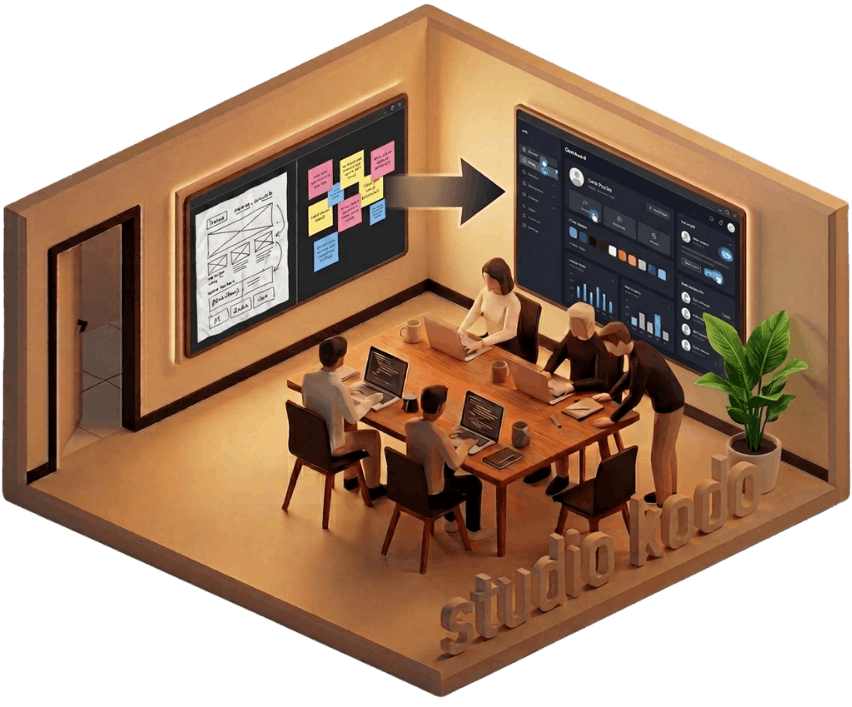
Studio Kodo workshop visual

How to stay in control

AI models work best when they are given clear direction.

That's why we focus on a workflow where you clarify intent and key decisions first. You learn how to turn that intent into clear, direct coding prompts, with explicit instructions, constraints, and context, so the model does not have to guess.

The result is code you can reason about. And when something breaks, because it will, you know where to start looking.

How to pick
the right model

There are many models available, such as Claude Opus 4.5 and GPT-5.1 Codex. They do not all behave the same way, and they are not interchangeable.

Different tasks need different kinds of models.
You don't need a heavy reasoning model to write a unit test.
And you shouldn't use a fast chat model to rethink core architecture.

We focus on the basics:
understanding what a task needs,
and choosing the right model for that task.

GPT-5.2
Opus 4.5
Gemini 3 Pro

How to work in an AI code editor

We'll use Cursor in this training. But what you learn applies to any modern AI code editor, like Copilot or Windsurf.

Interaction happens directly in the editor,
so instructions, changes, and revisions stay close to the code.

You select the model per task.
Changes are presented clearly, before anything is applied.

The Program

Morning 9:00 – 12:00

Under the Hood

We start by understanding the tools, so we don't blindly trust them.

  1. How it actually works

    We start with the basics: what an AI model is, what it does when you give it code and a prompt, and what it can and cannot “see”. You’ll get a clear mental model of how it produces output, and why it can sound confident even when it is missing context.

  2. Managing Context

    We'll cover how the "Context Window" works and how to feed the right context so the model understands your specific architecture without getting confused.

  3. The Setup (Cursor)

    We'll use Cursor for the workshop but the core concepts apply just as well to other AI code editors such as Copilot or Windsurf.

Afternoon 13:00 – 17:30

The Simulation

Theory is good, but building things is better.

We drop you into a realistic scenario: a project with code you haven't seen before. But instead of the usual headache of reading files for hours, you get to play with your new superpowers.

You will use AI to instantly map out the logic, clean up the messy parts, and then build a new feature on top of it. It's a sandbox session where you can experiment freely and feel the speed of a fully AI-integrated workflow.

The Trainer

Jean-Marie Hoffelinck on LinkedIn

Jean-Marie Hoffelinck

Product Manager & Developer

Hi, I'm Jean-Marie.

I tend to learn things by doing, not by reading about them.

I found myself using AI here and there while working on code. Over time, I learned what actually helps, what doesn't, and where things tend to go wrong.

Studio Kodo is simply me sharing what I've learned from coding with AI in practice. With this training, I hope it helps you in your own work, even if it's only one insight you end up using later on.

Connect on LinkedIn

The Venue

Meeting room at Take In — modern workspace with colorful art and natural light
Stylish lounge area with designer furniture
Outdoor terrace with colorful chairs and string lights
Delicious artisan pizza
Take In, Ghent

Take In - Ghent

A creative workspace in Ghent's old docklands. Modern meeting rooms, good pizza, and the kind of energy that makes a workshop day fly by.

View on Google Maps

Frequently Asked Questions

The training is conducted in English, and all materials are provided in English.

This training is intended for:

  • Developers
  • Technical Product Owners
  • People with a technical background and basic programming experience

You don’t need prior experience with AI models, and you don’t need to be a senior developer.
You should be comfortable reading code.

If you’re unsure whether this is a good fit, feel free to reach out and share a bit about your background or what you’re hoping to get out of the training.

Just your laptop and a charger. We’ll take care of the rest.

We’ll use Cursor during the training. It’s an AI-powered code editor that makes it easy to demonstrate the workflows we’ll cover.

Many of the concepts (such as context management) and workflows apply just as well to other AI coding tools, such as Claude Code and VS Code Copilot.

We’ll ask you to download Cursor before the training. It has a generous free version, which is sufficient for everything we’ll do during the day.